BranchOut
From what’s on to who’s free.
BranchOut is a campus app for finding events. The update was about people: helping students find someone to go with. I designed the matching layer on top of the existing app.
Download on Google Play- Project
- Campus social app
- Role
- Freelance UI designer
- Design
- Matching, status & group chat
Events weren’t the problem.
Going alone was.
BranchOut already showed students what was happening on campus. The update was about who: showing people who are free, and what they have in common, so it’s easier to say yes.
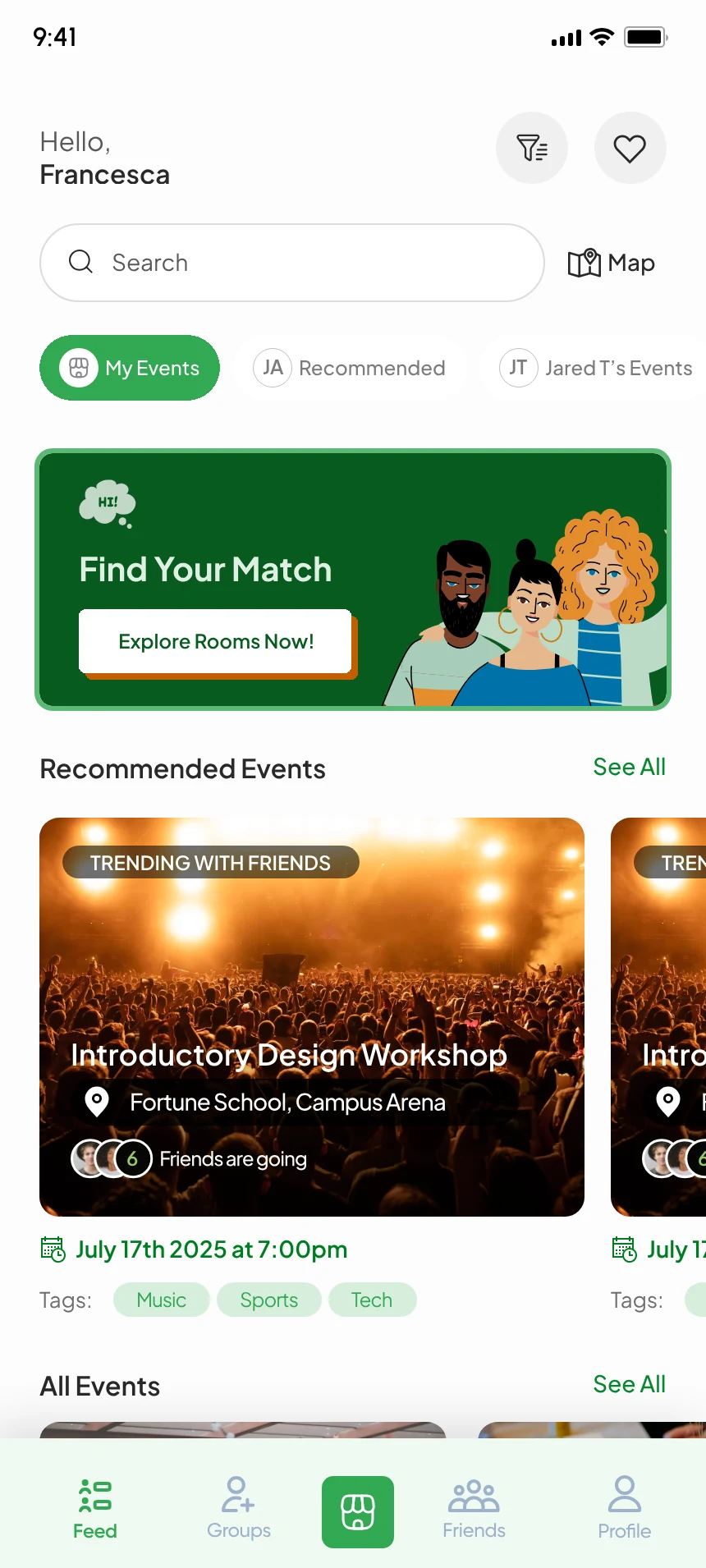
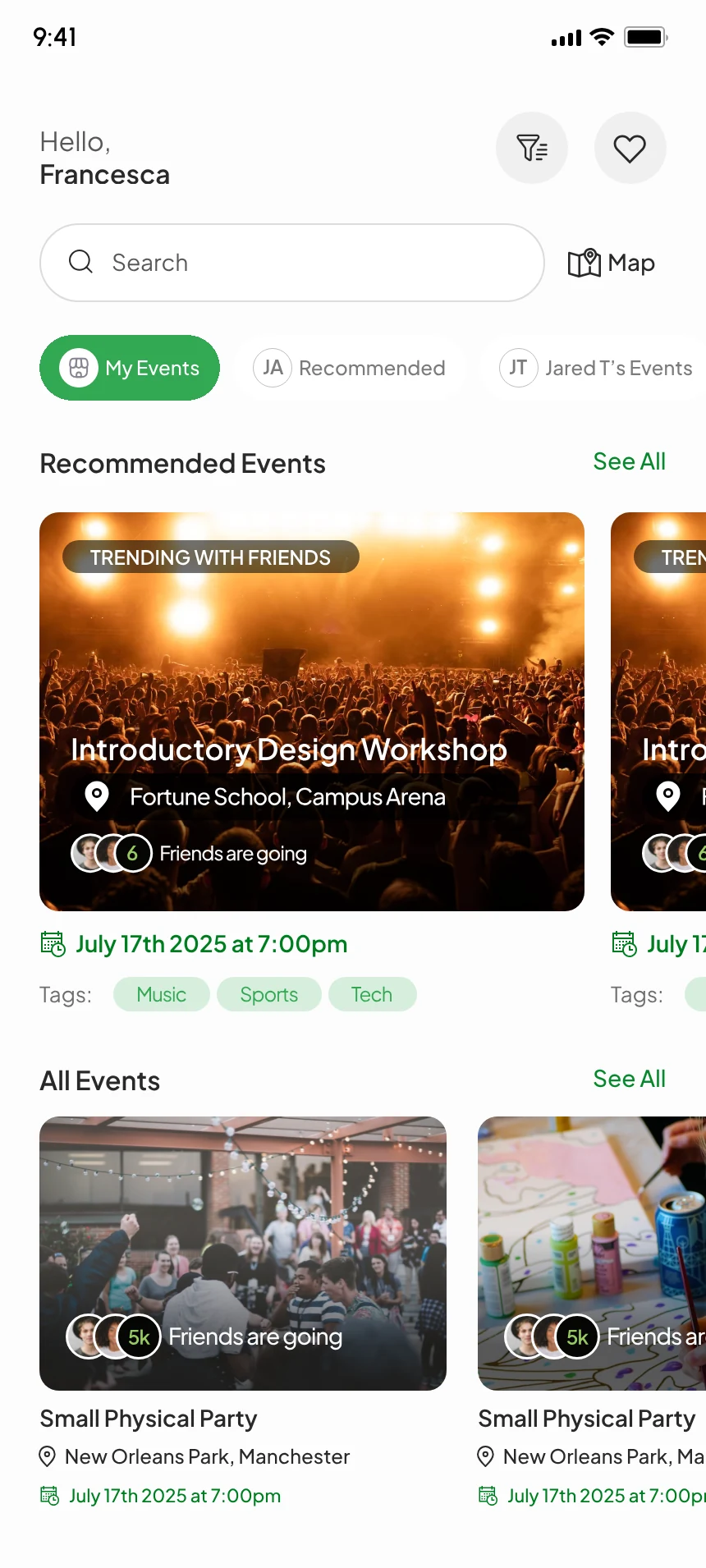
The home now leads with Find Your Match, ahead of the event lists.
A room for
every plan.
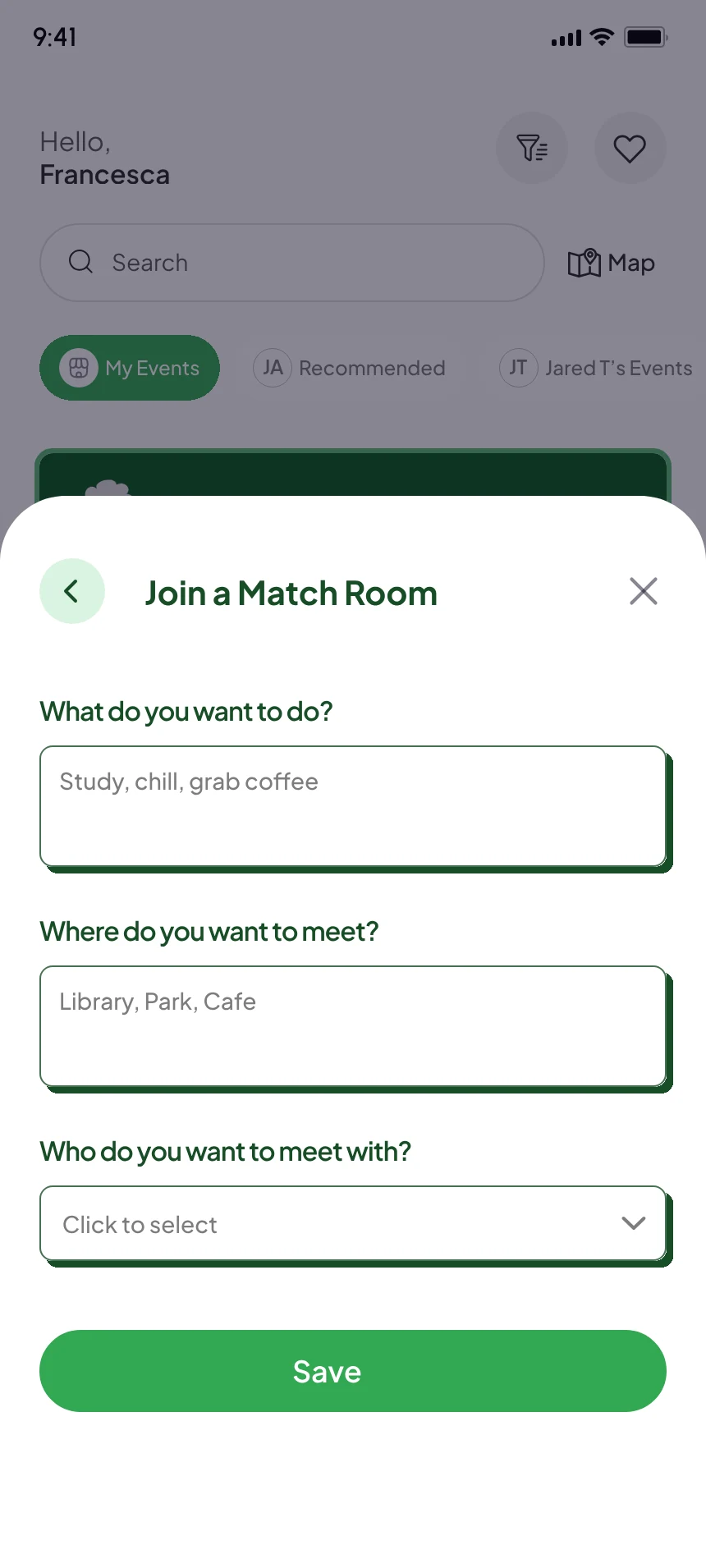
Students join a match room by answering three short questions: what they want to do, where, and who with.
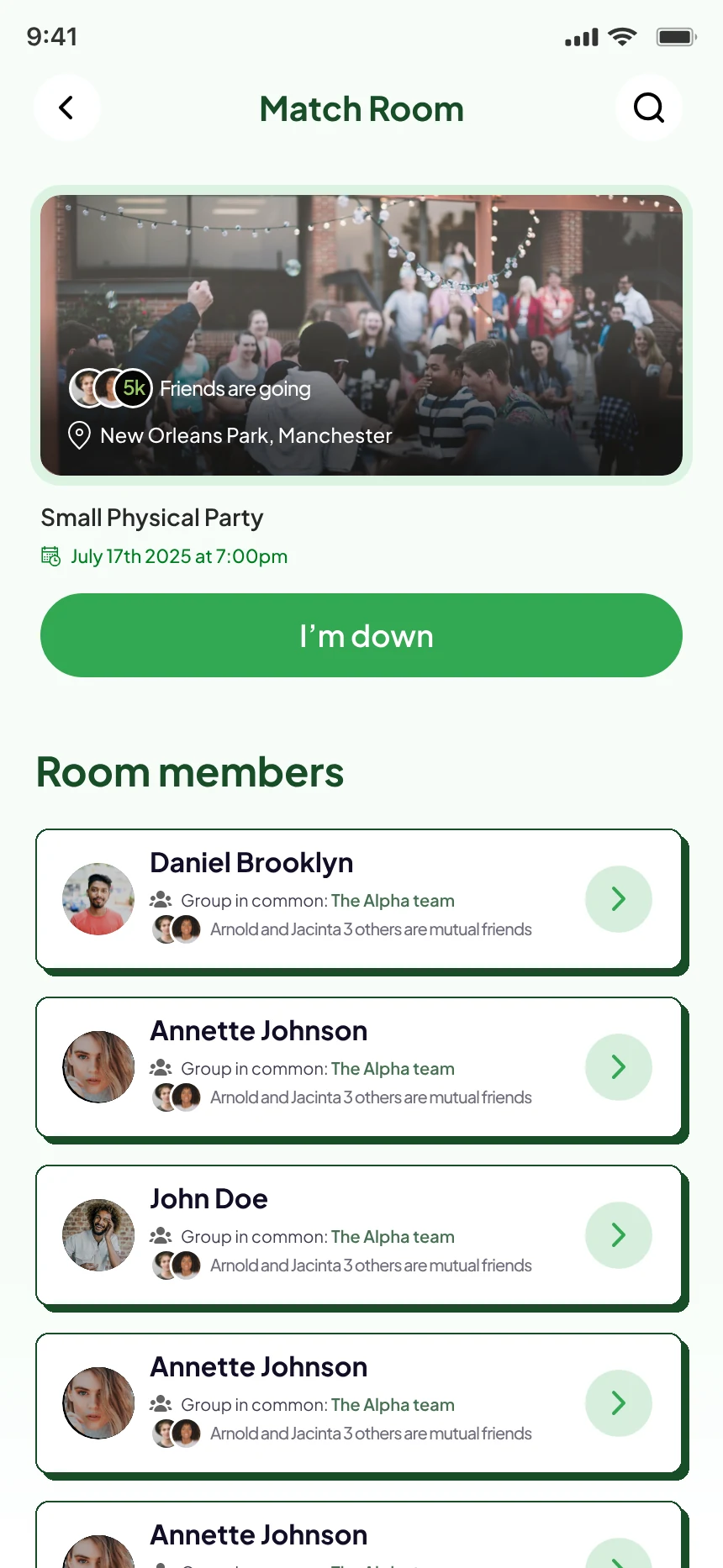
The room puts the plan at the top with one I’m down button. The people come below in compact cards, so more of them fit on screen.
Already going?
See who else is.
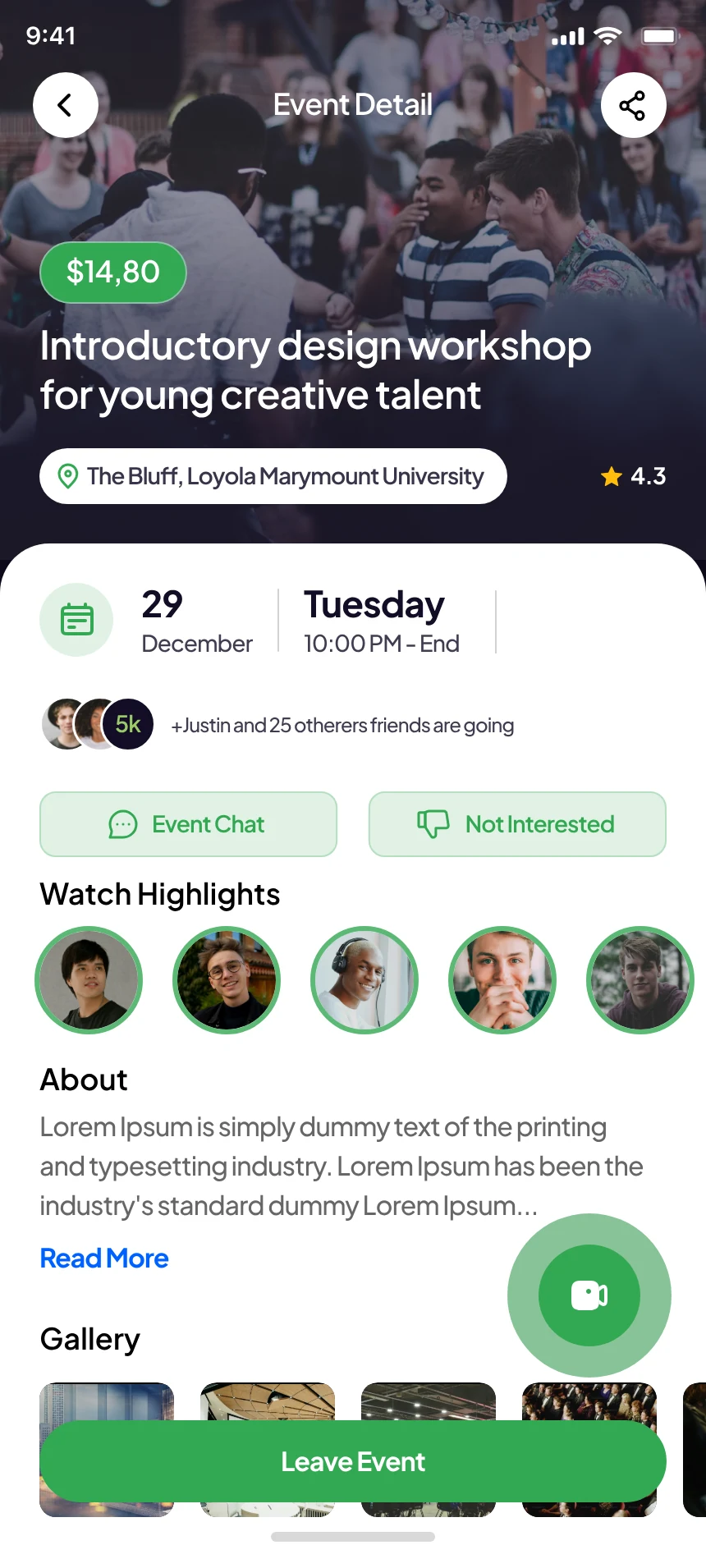
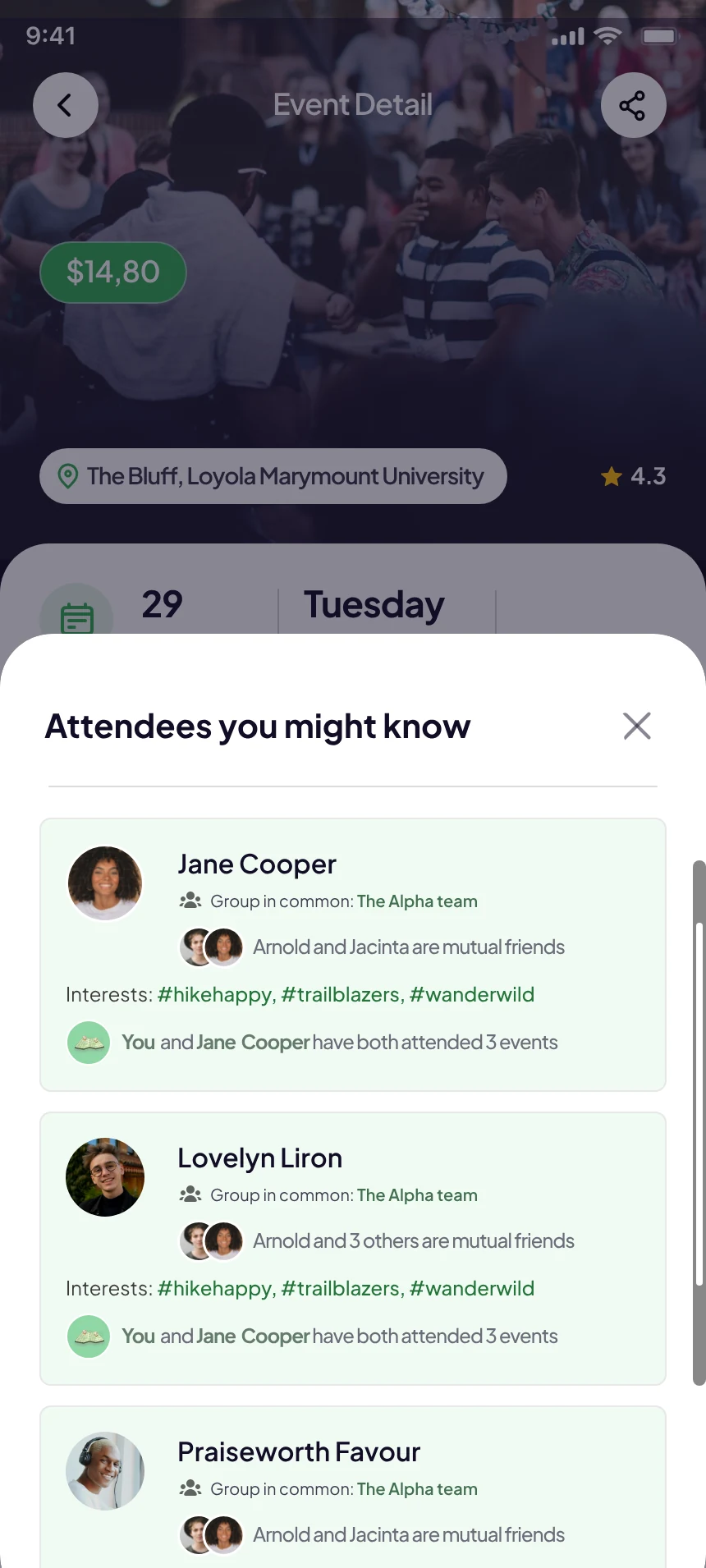
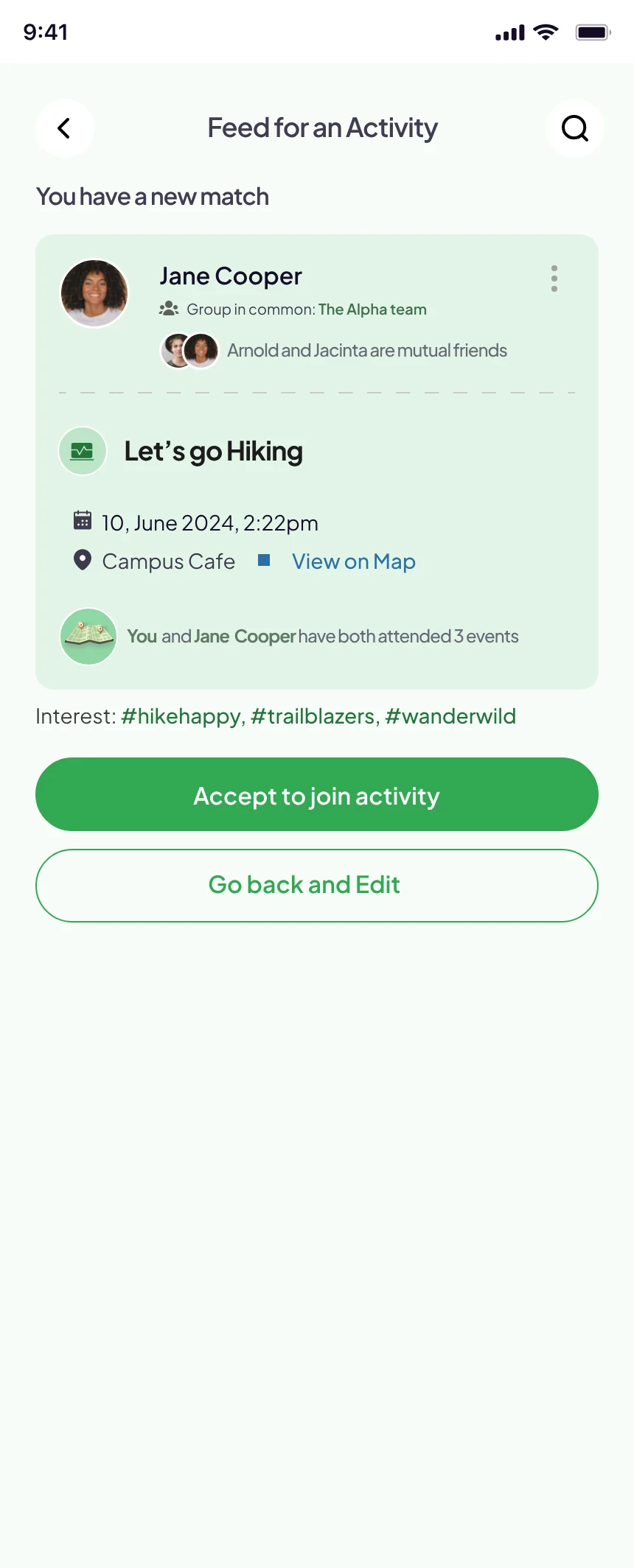
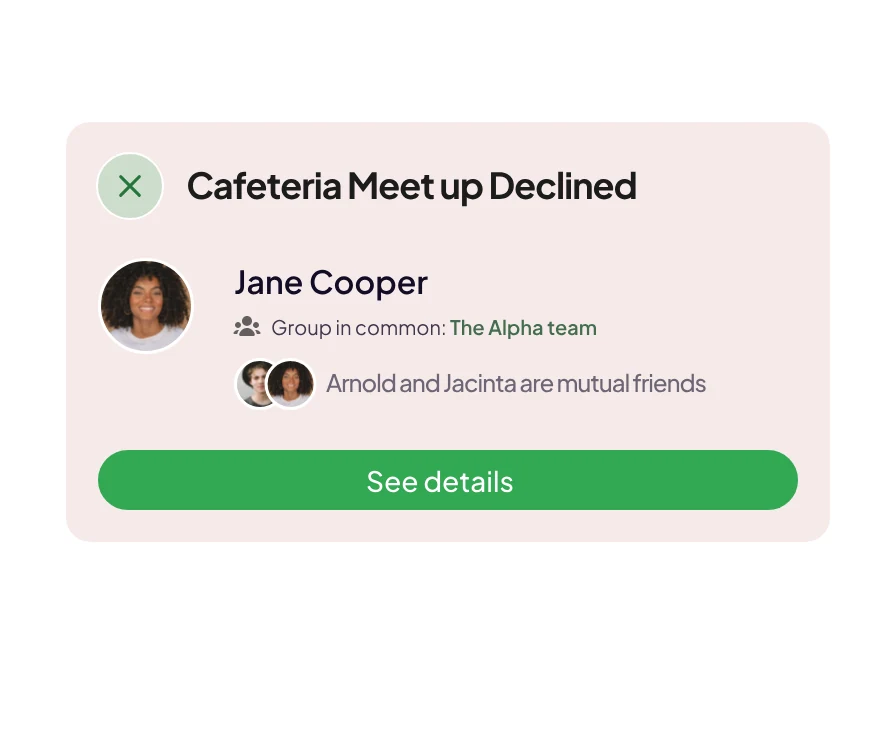
On an event, Match Me lists attendees you might know. Each card gives a reason to trust a near-stranger: a group in common, mutual friends, shared interests and events you’ve both been to.
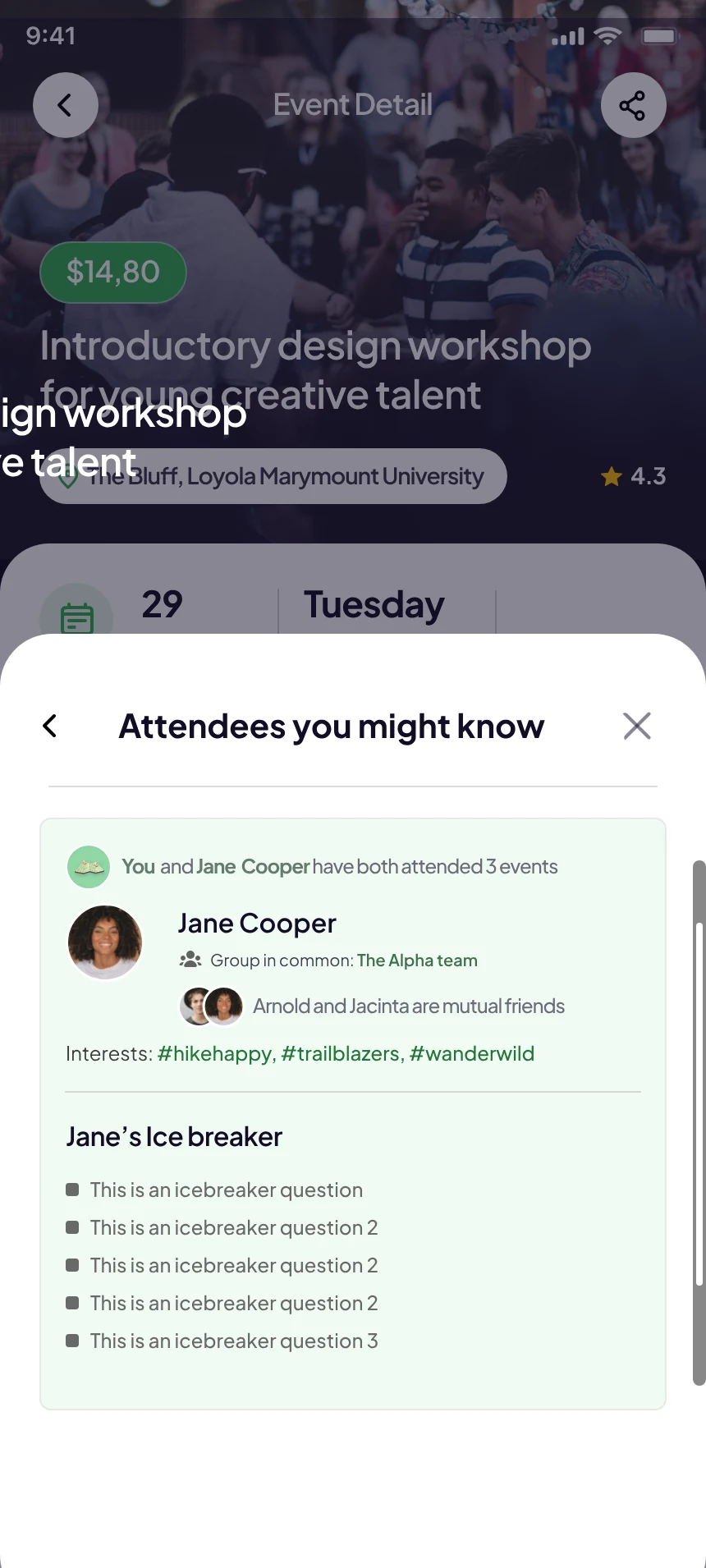
Tapping a person shows their icebreaker questions.
Say you’re free,
on your terms.
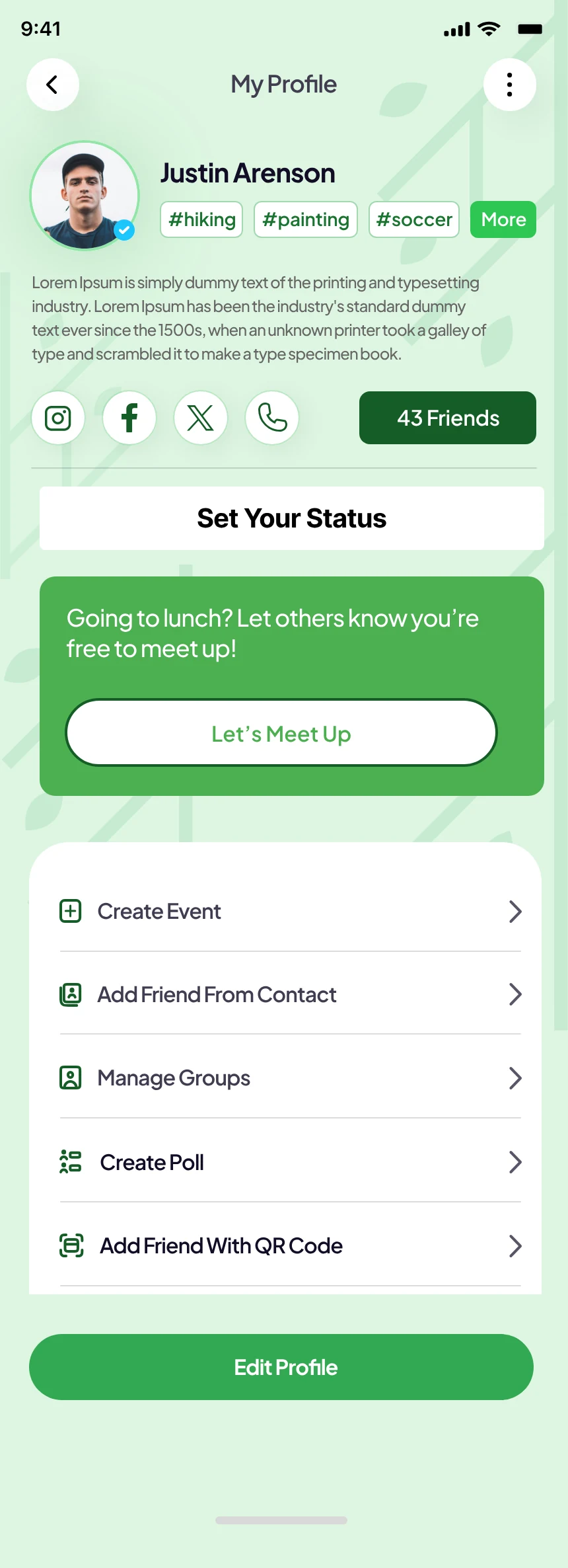
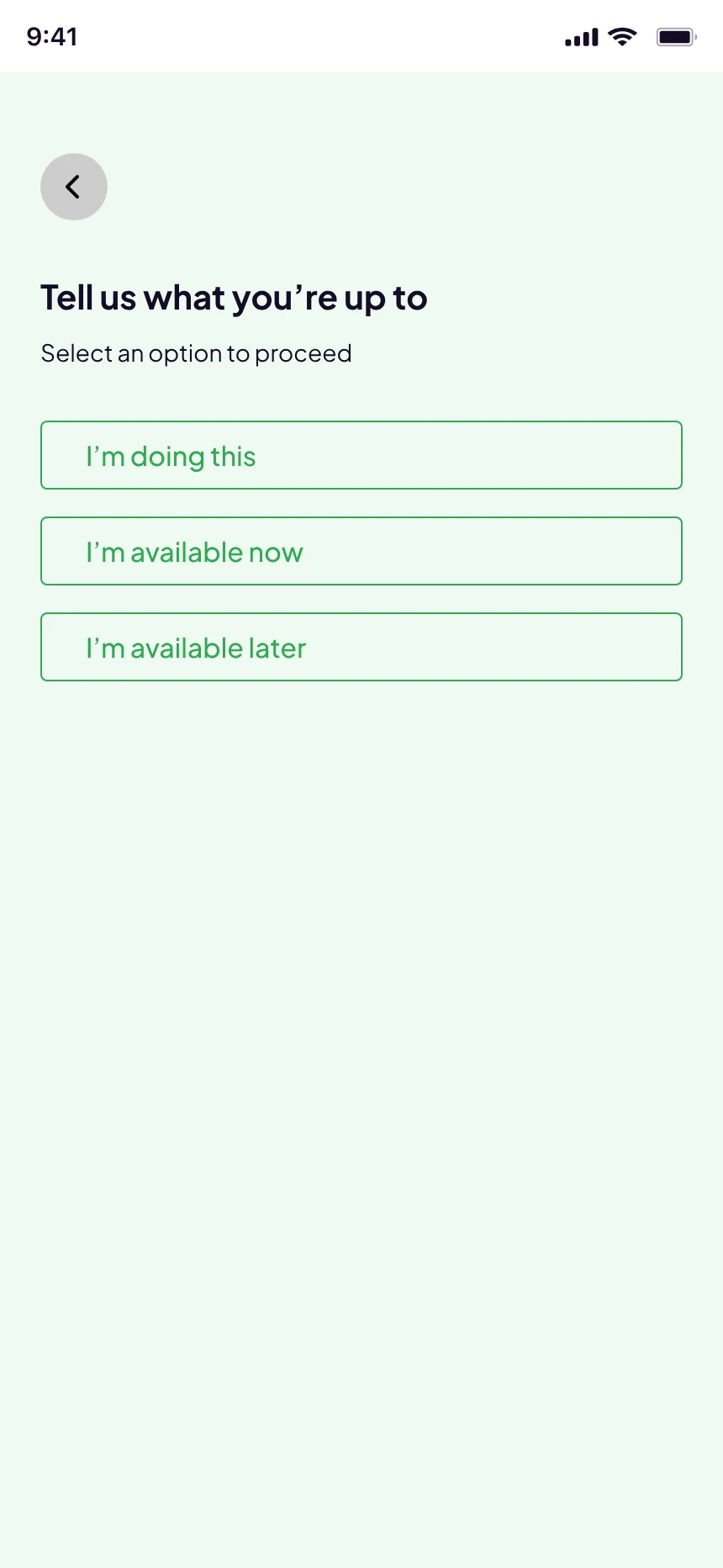
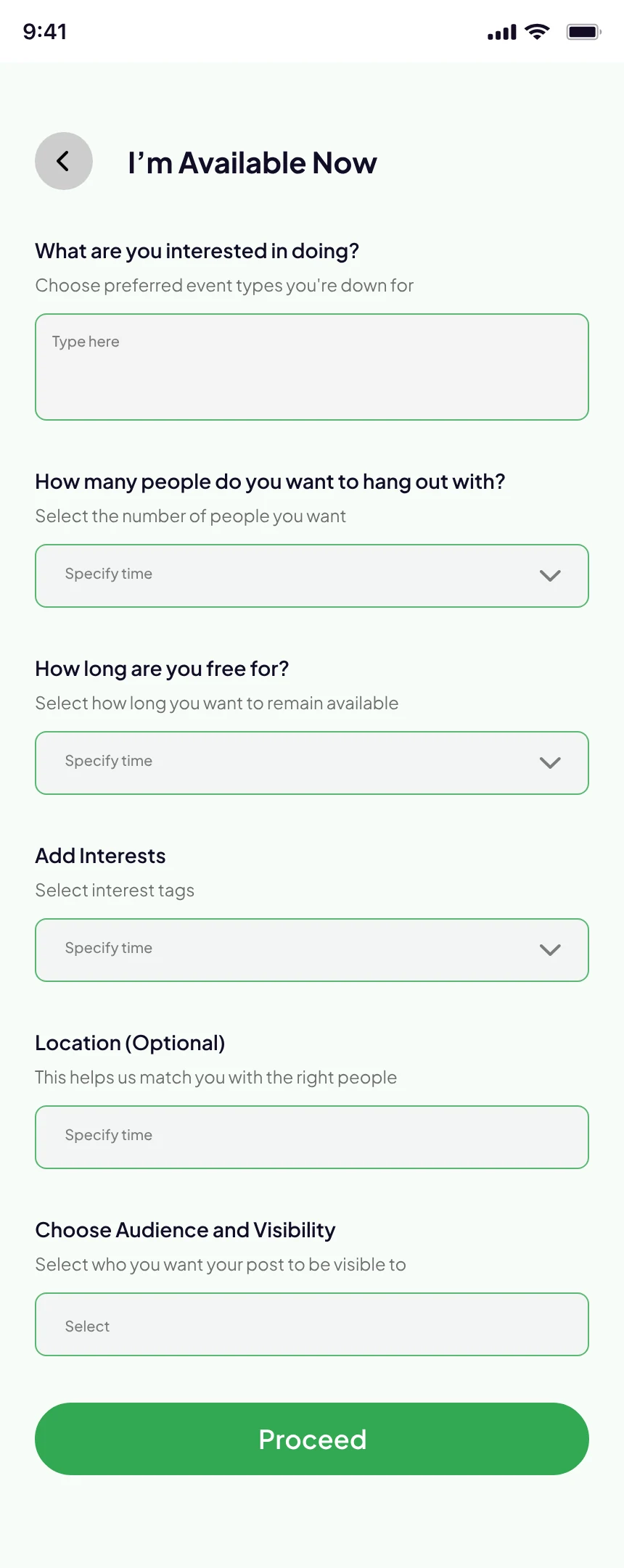
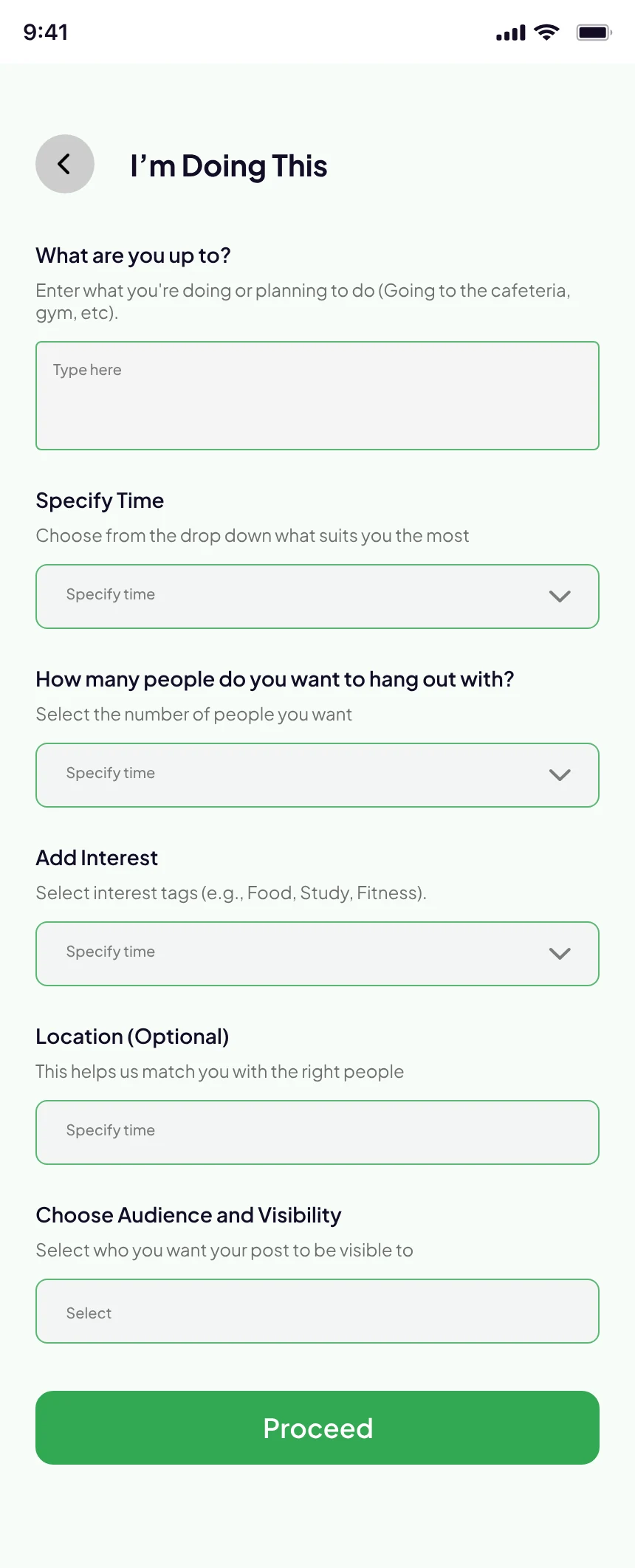
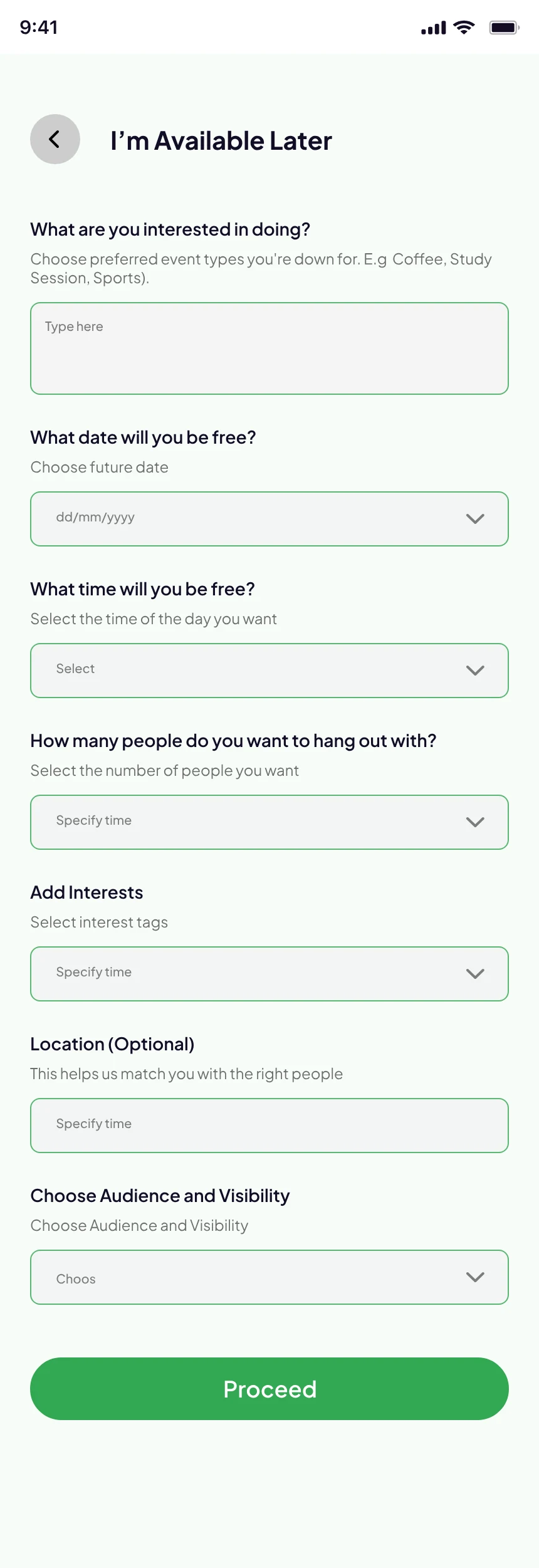
From their profile, students can set a status. They choose whether they’re doing something, free now or free later, and each option asks only what fits it: a plan and a time, how long they’re free, or a date.
The last questions stay the same across all three, so the forms feel familiar.
You decide
who sees it.
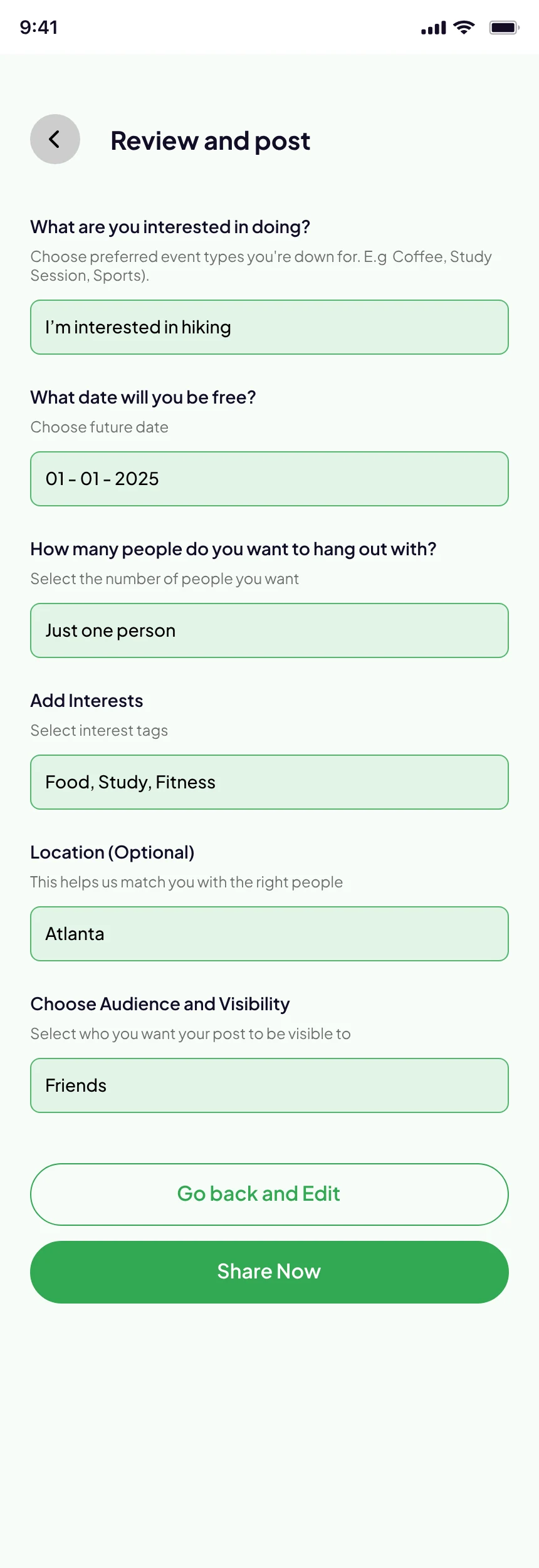
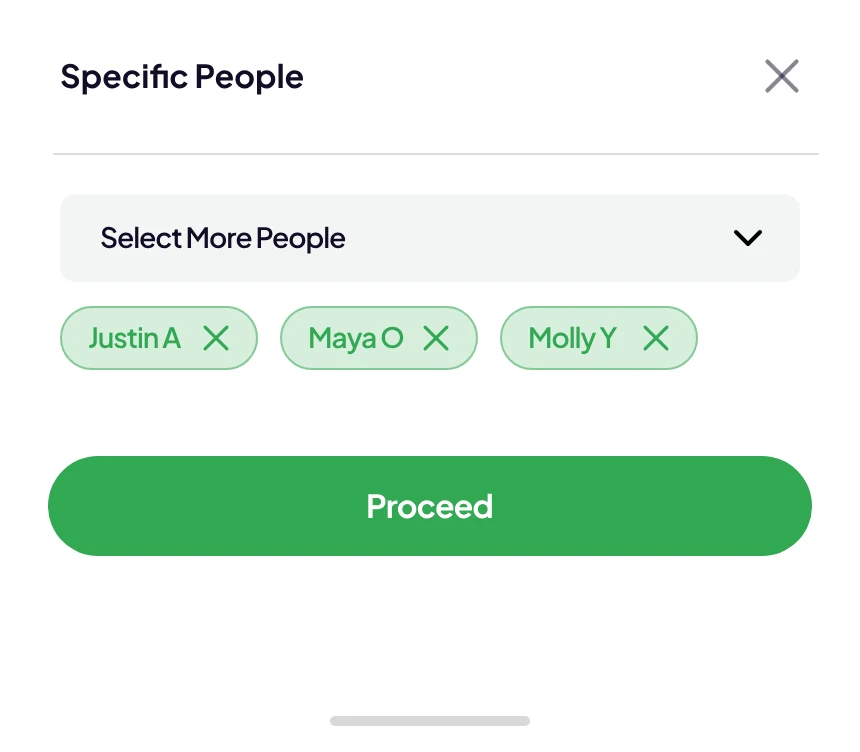
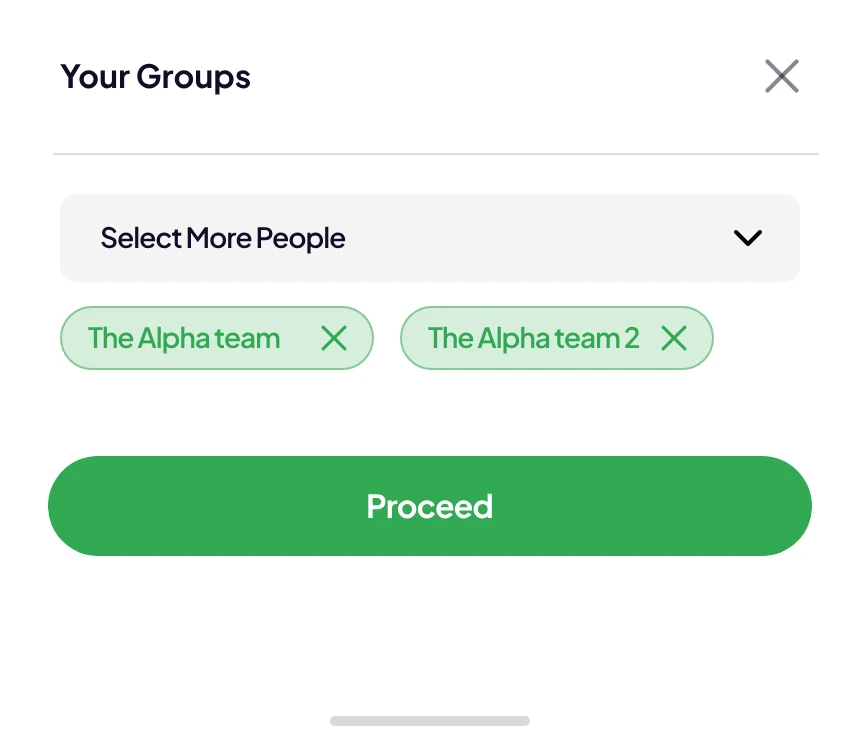
Before anything is shared, students choose the audience: friends, specific people or their groups. Choices appear as chips that are easy to remove, and Proceed stays inactive until something is picked.
One tap,
then a clear answer.
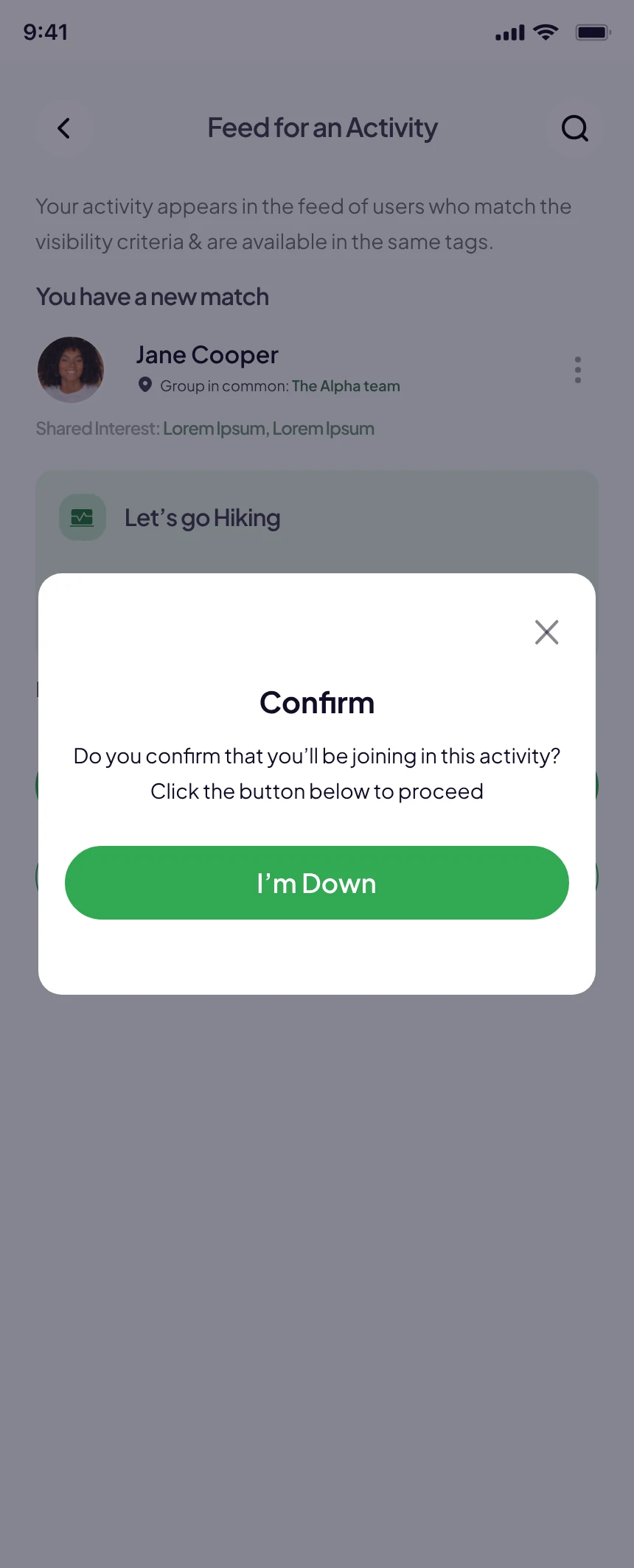
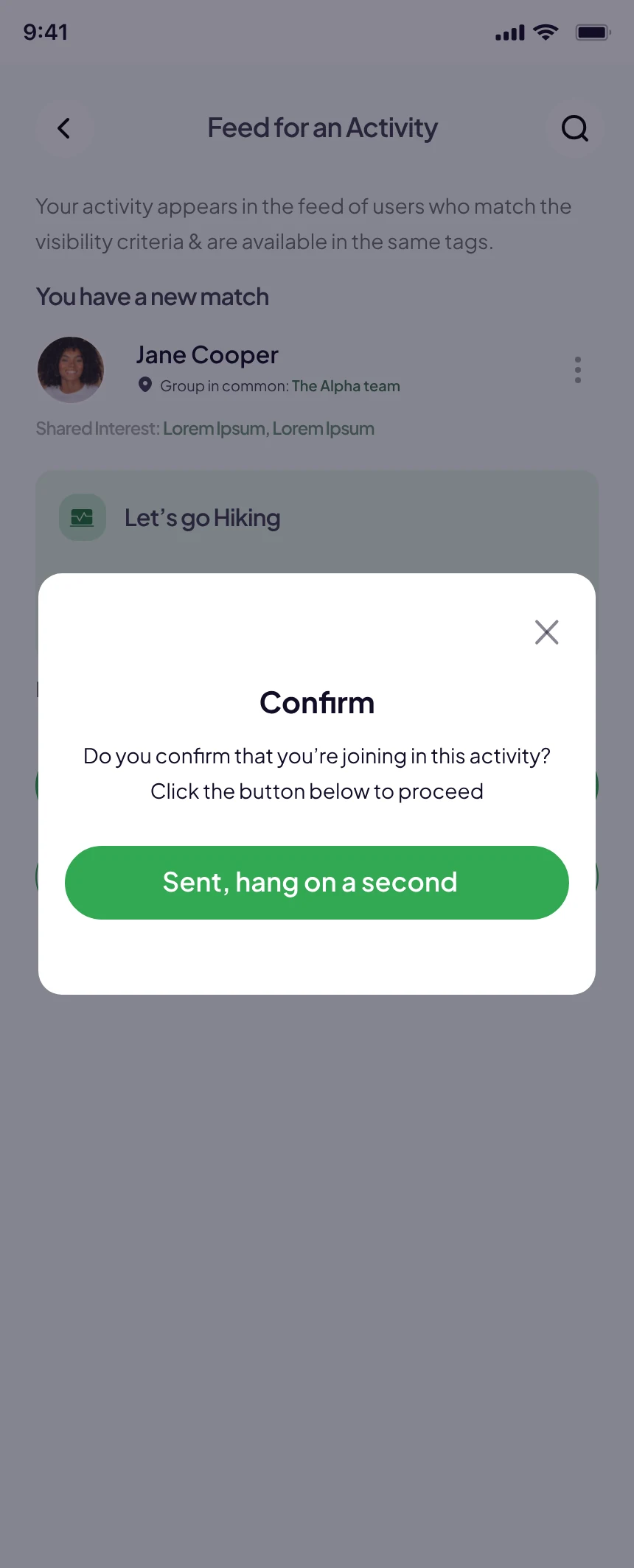
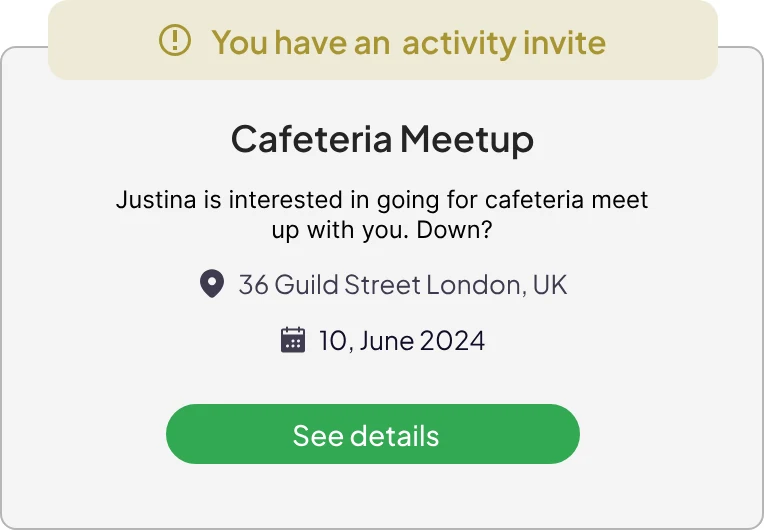
When a match comes in, the card shows why it’s a match before asking for anything. Accepting takes one tap and a confirmation, and the button then says what’s happening: “Sent, hang on a second.”
Every answer
has a place.
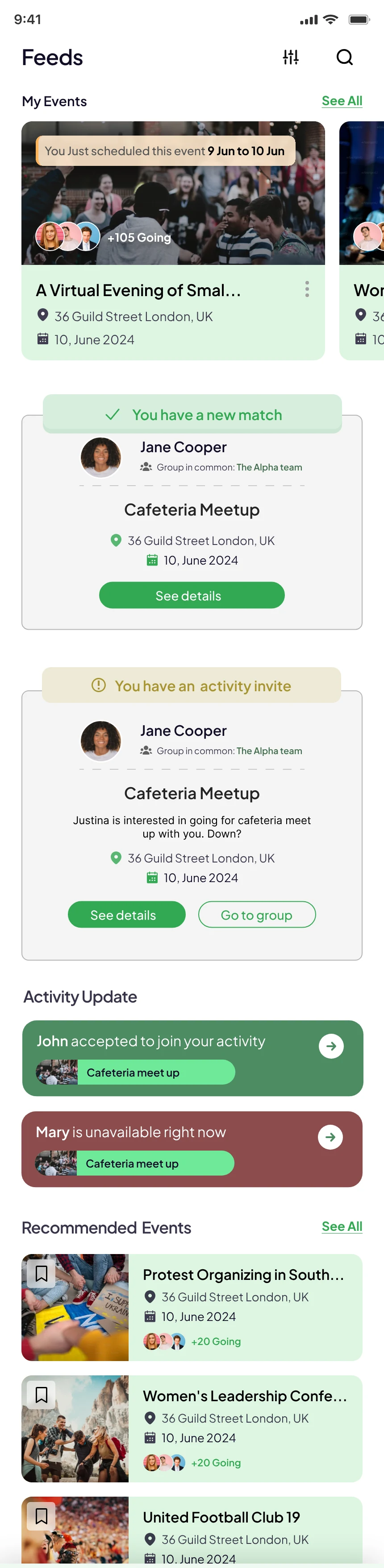
The feed collects everything that comes back: new matches, invites, who accepted and who’s unavailable right now. Each card leads to the next step, whether that’s seeing details or going to the group.
From yes
to hello.
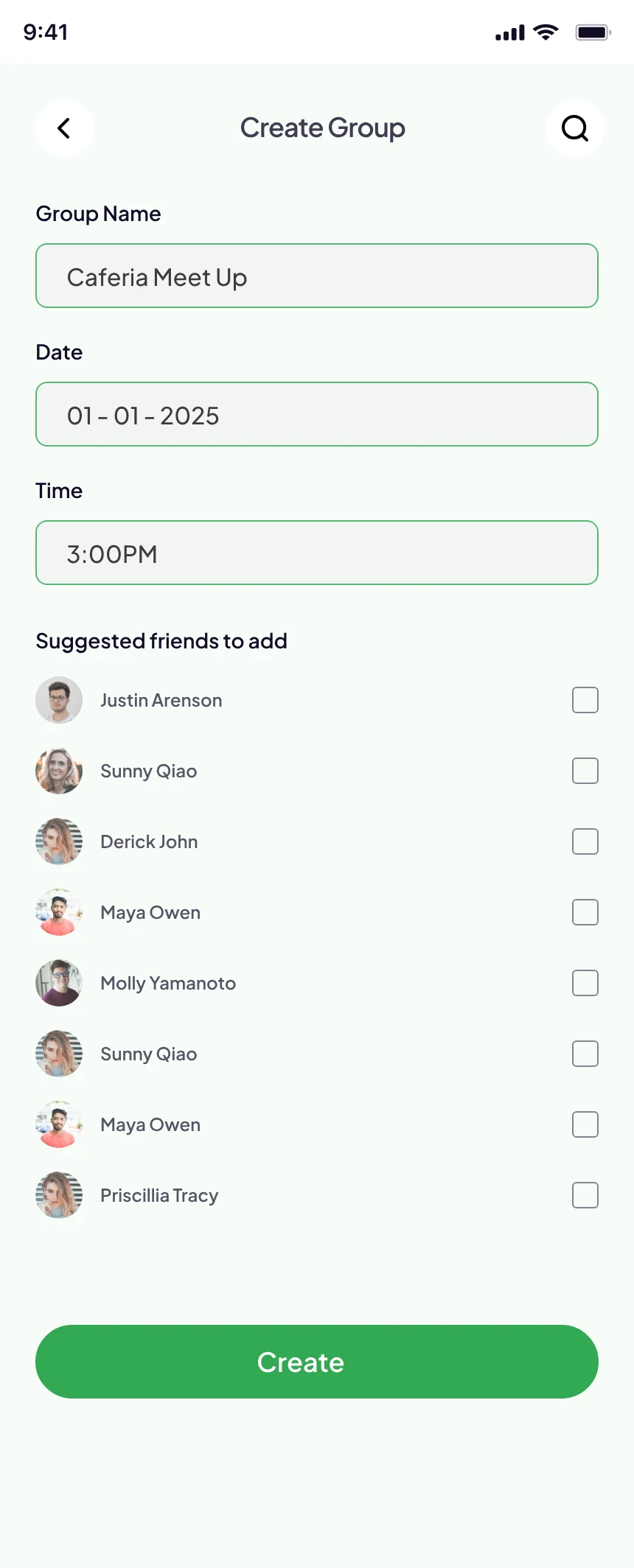
Creating a group takes a name, a date, a time and the people. Create stays inactive until someone is added.
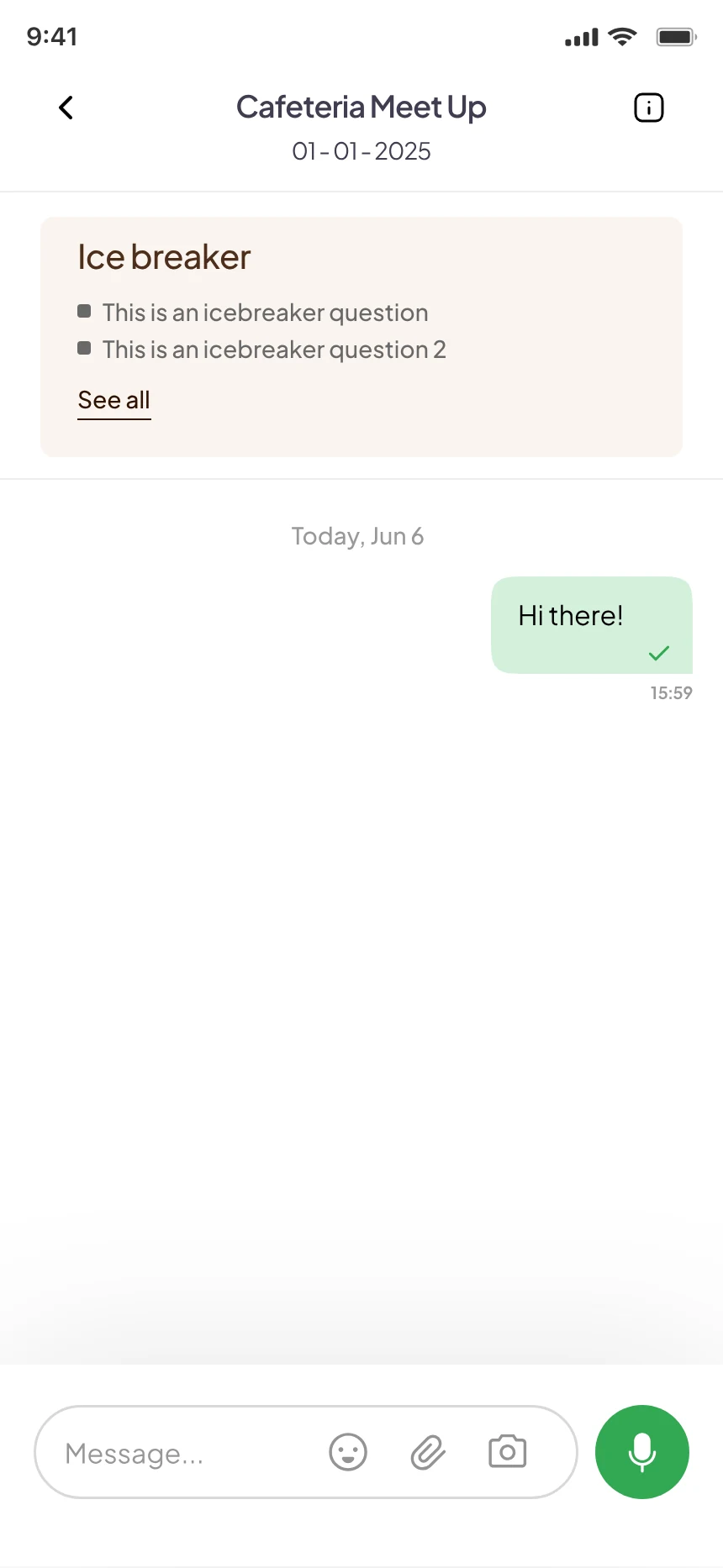
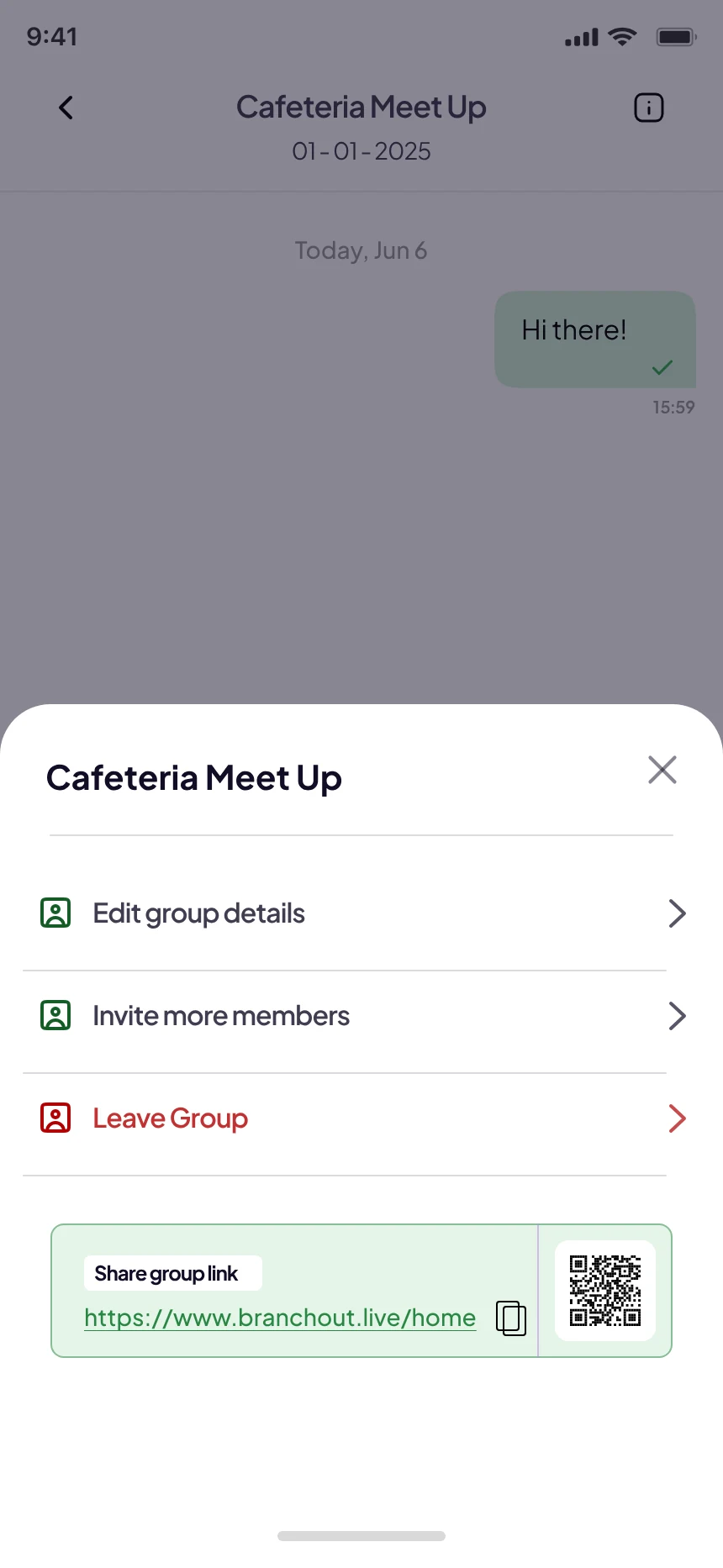
The chat opens with icebreaker questions pinned at the top, so nobody has to think of the first message. Group options sit one tap away.
Lowering the cost
of saying yes.
Each part of the update removes one small reason not to go: not knowing who’s free, not knowing them, and not knowing what to say first.
Download on Google Play